Home Assistant Integrations
Devices Entities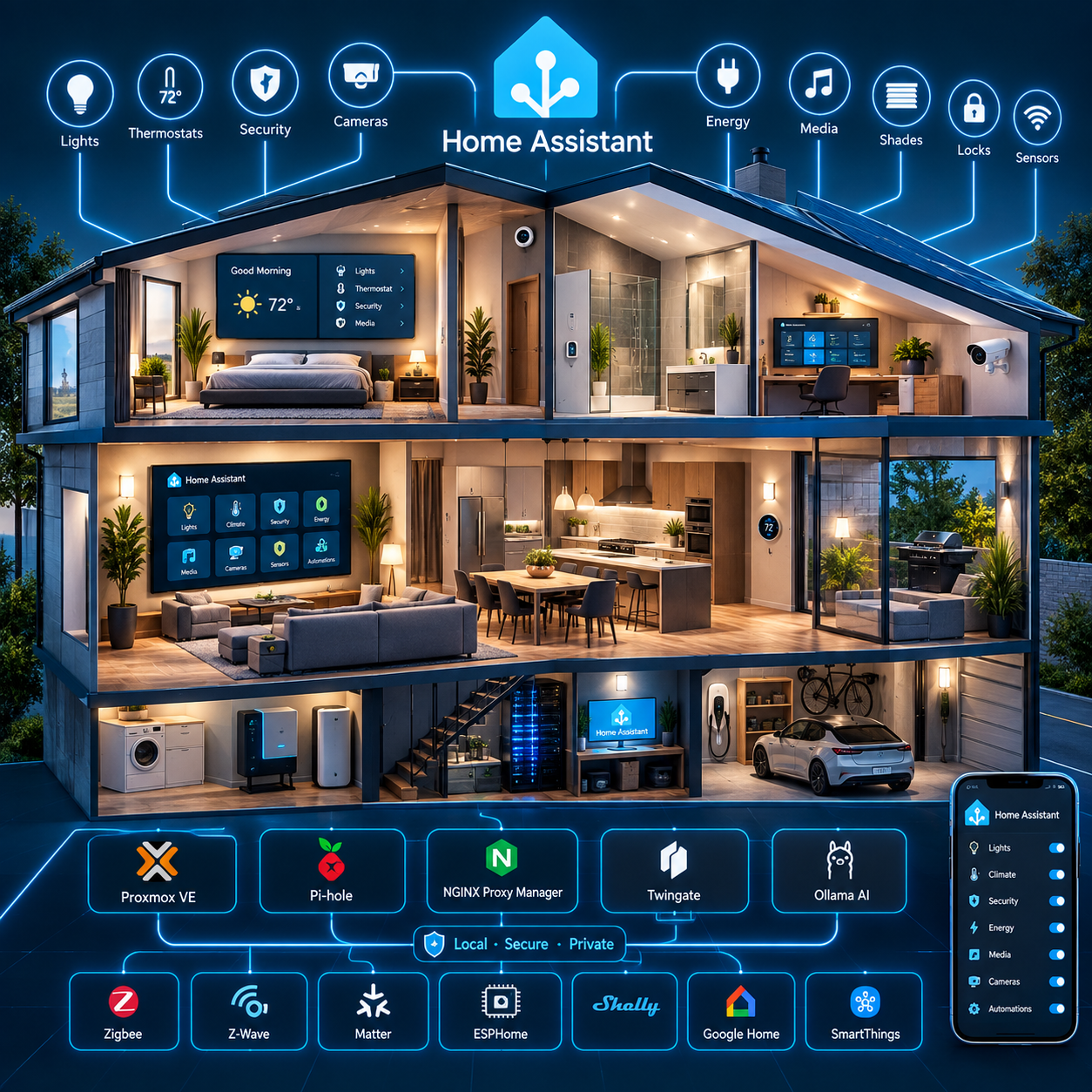
Purpose
This document explains configuring the basic entities within Home Assistant These entities are used to interact with the devices within your home. The sub level web pages (dashboards) use these entities and devices surrounding the Home Assistant installation.
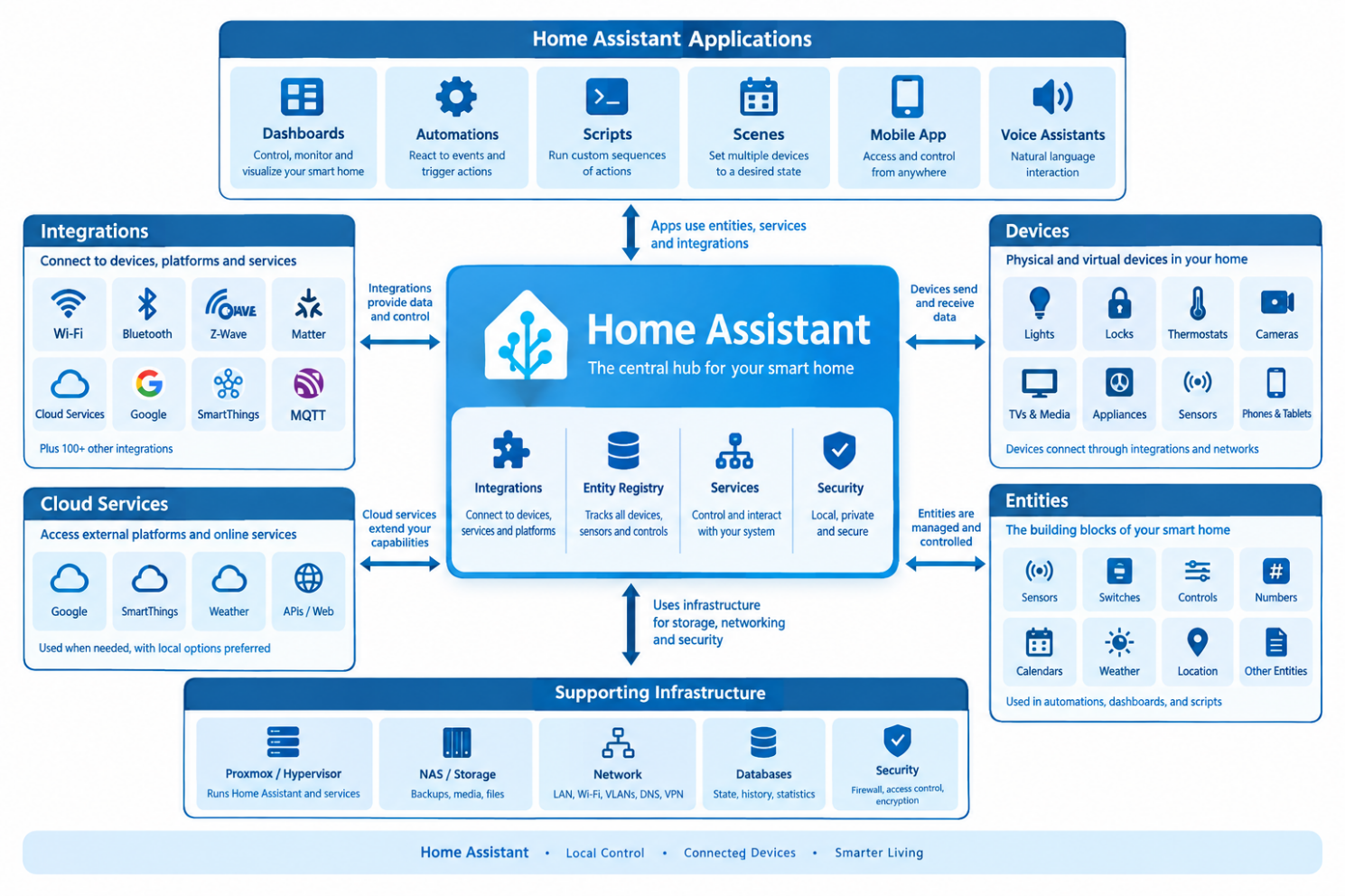
Foundation
The Home Assistant installation is implemented as a Home Assistant OS (HAOS) virtual machine hosted on the Home Lab Compute Module running Proxmox VE 9.2.3.
Home Assistant is intended to serve as the central home-automation platform and, over time, the primary local voice-assistant platform.
Relationship with the Infotainment Module
Home Assistant is hosted on the Compute Module, while centralized persistent storage and backup services are hosted on the separate Infotainment Module.
The Infotainment Module runs its own Proxmox VE 9.2.3 environment and provides centralized storage through Samba-NAS LXC 100. It also hosts media, document, photo, database, download, and other application services.
This creates a two-node system architecture:
Compute Module (This module)
Home automation, AI, voice, DNS, reverse proxy, and remote-access services.
Infotainment Module
Centralized storage, media, documents, photos, databases, backups, and supporting applications.
The configuration is defined by establishing a foundation then by applying categories of devices into a common desktop. This document establishes this foundation and will consist of setting up Areas Labels and Zones, Cloud Services, Voice Services, People, Networks, Specific Home Details, System Logs, Backups, Entity ID's, AI Tasks, Development Labs, System Storage.
HACs provides addon tools and cards and will be discussed in this document as an initial configuration, but the full HACs configuration will be discussed during each individual Dashboards as they are implemented.
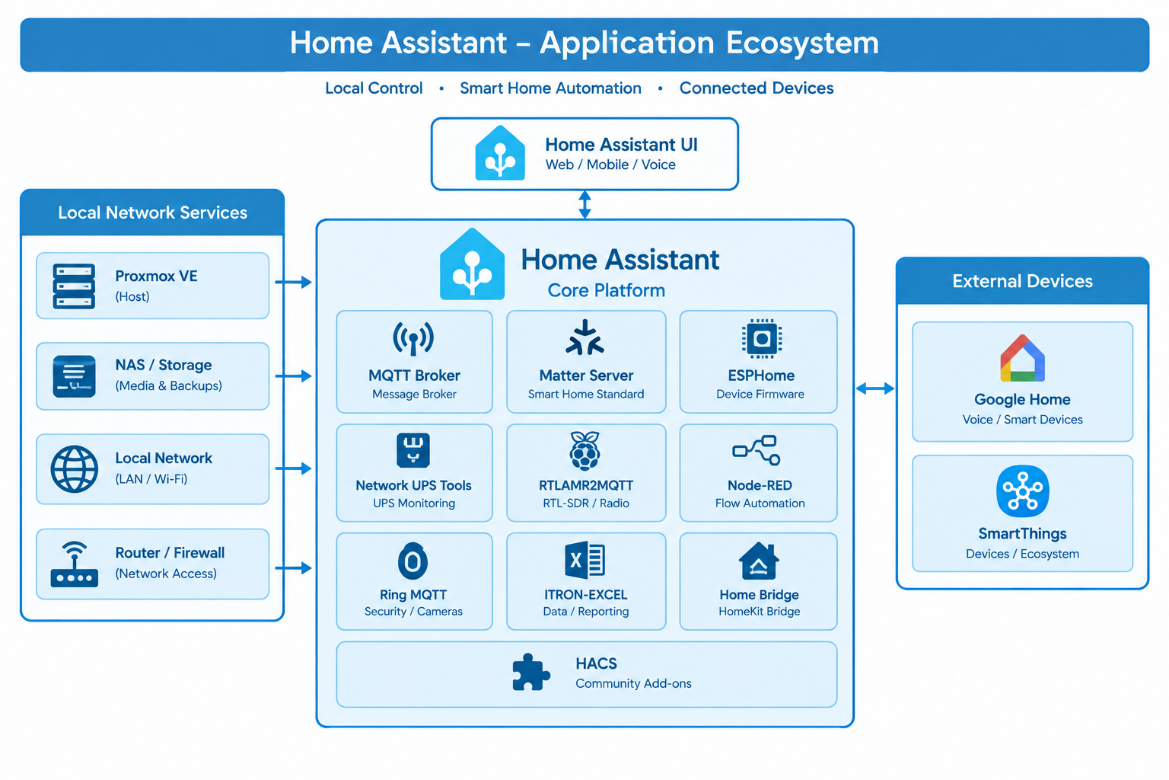
The overall recommended system ecosystem will be discussed, and we will explain how to install and configure this base Eco-system. This includes the various tools used to manage Home Assistant and how these tools integrate within the system.
Architectural Design Goals
The Home Assistant architecture has the following primary goals:
Applications
Standard Hardware
The current architecture includes or references the following applications:
Home Assistant automation |
|---|
| Apple TV | Controls Apple TV devices and exposes media playback information and controls to Home Assistant. |
|---|---|
| Emby | Connects Home Assistant to an Emby media server and provides information about media playback and server activity. |
| Denon AVR Network Receivers | Controls compatible Denon network-connected AV receivers, including power, volume, source selection, and other receiver functions. |
| Denon HEOS | Connects Home Assistant to the HEOS multi-room audio platform for controlling speakers, receivers, playback, and audio zones. |
| Google Cast | Allows Home Assistant to control Chromecast and Google Cast-compatible devices and media players. |
| Samsung Smart TV | Controls compatible Samsung televisions and provides media/player information. |
| VIZIO SmartCast | Provides control and status information for compatible VIZIO SmartCast televisions. |
| Ring | Provides access to Ring cameras, doorbells, sensors, and related security information. |
| Roborock | Connects Roborock robot vacuums to Home Assistant for control, status, cleaning commands, maps, and sensors. |